soul croc
A downloadable tool for Windows, macOS, and Android
The Pro version of Soul Croc is in the description below.
The Lte version just works, you cannot see the progress/speed/time and no drag-n-drop in Lte.
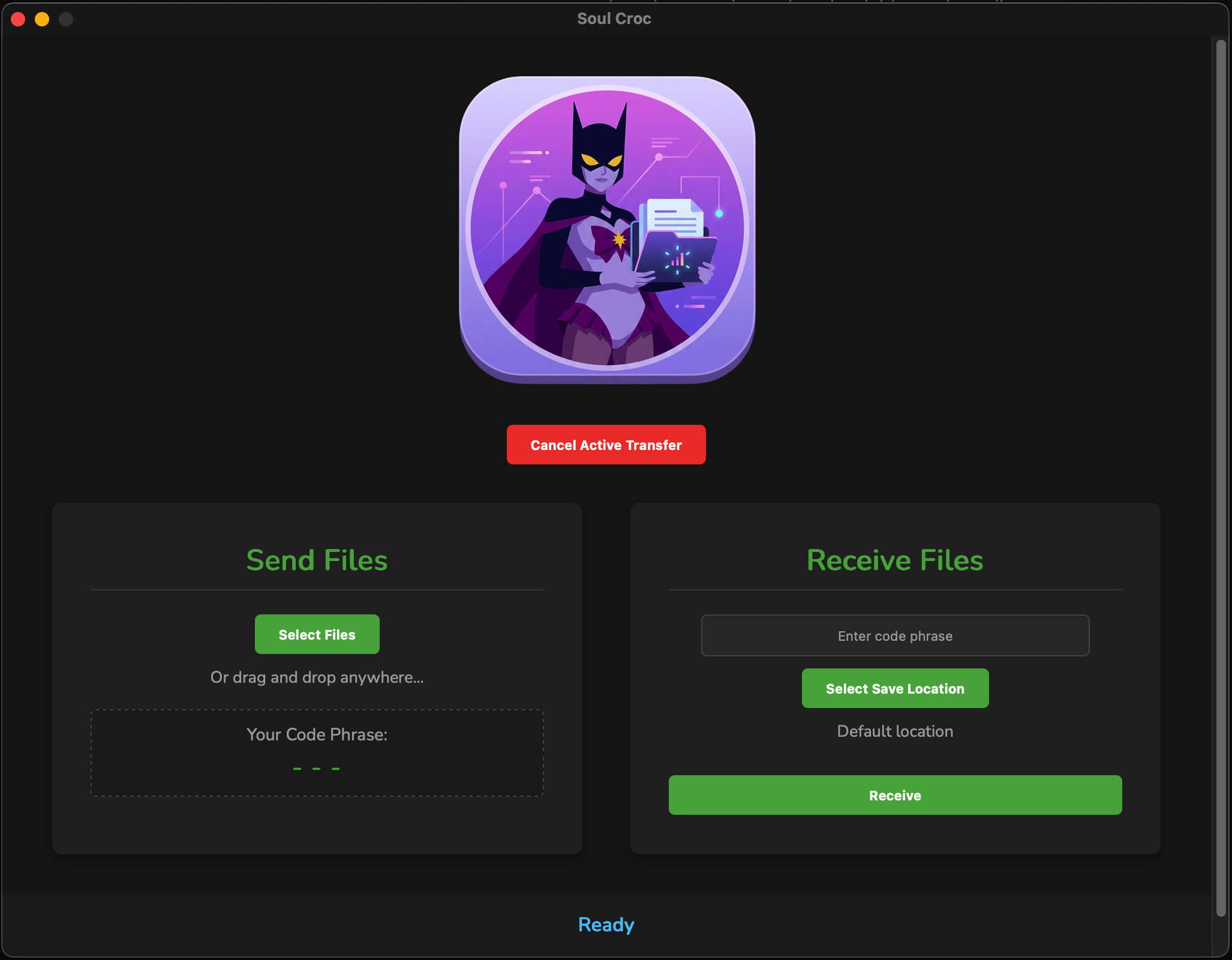
Soul Croc is a standalone GUI for Croc, designed to make fast, secure, peer-to-peer file transfers effortless.
⚡ How to Use
- Sender: Drag and drop your file(s) or click Select Files.
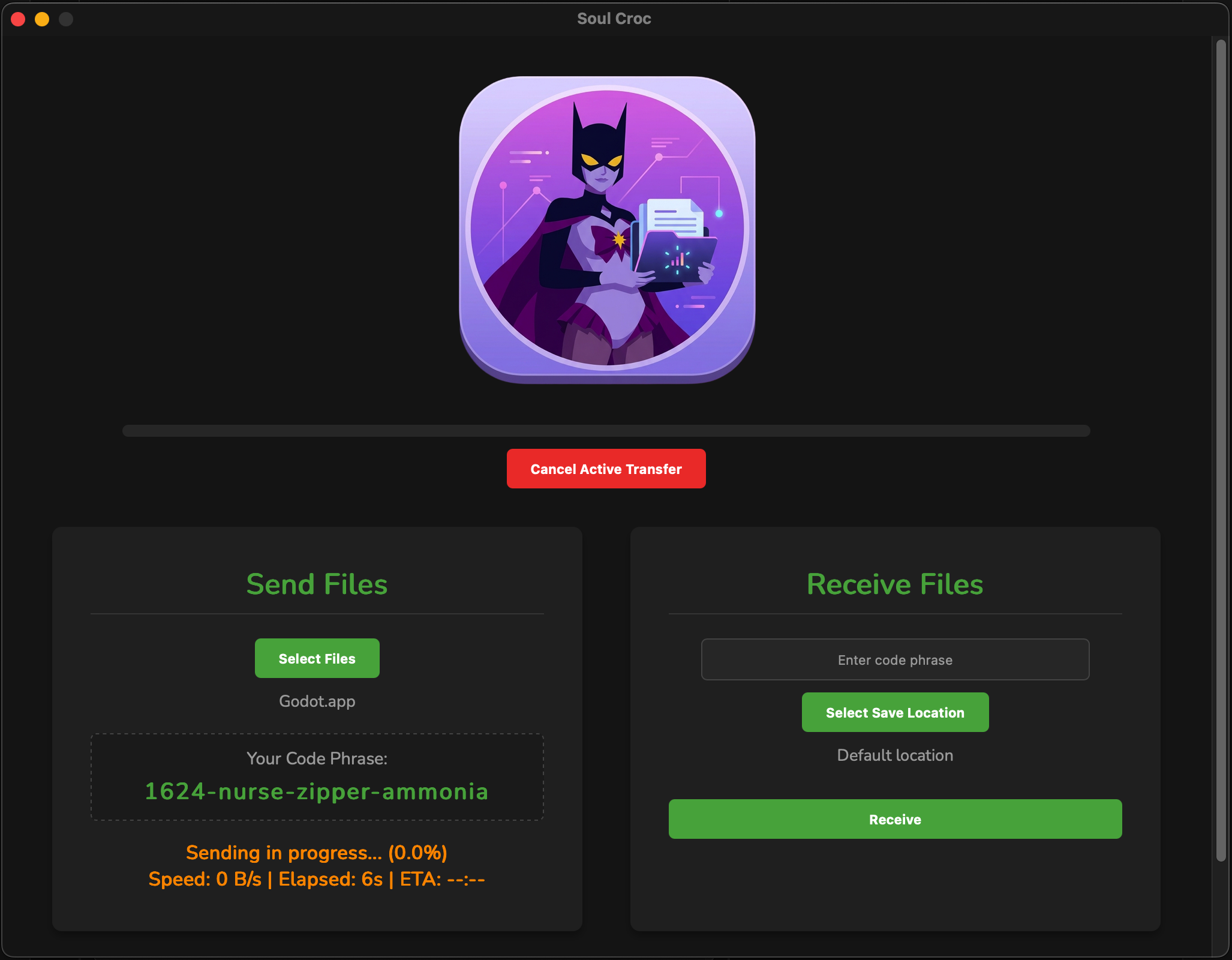
- Sender: Copy the randomly generated, one-time code phrase provided by the app and send it to your recipient.
- Sender: Keep Soul Croc open while the transfer completes.
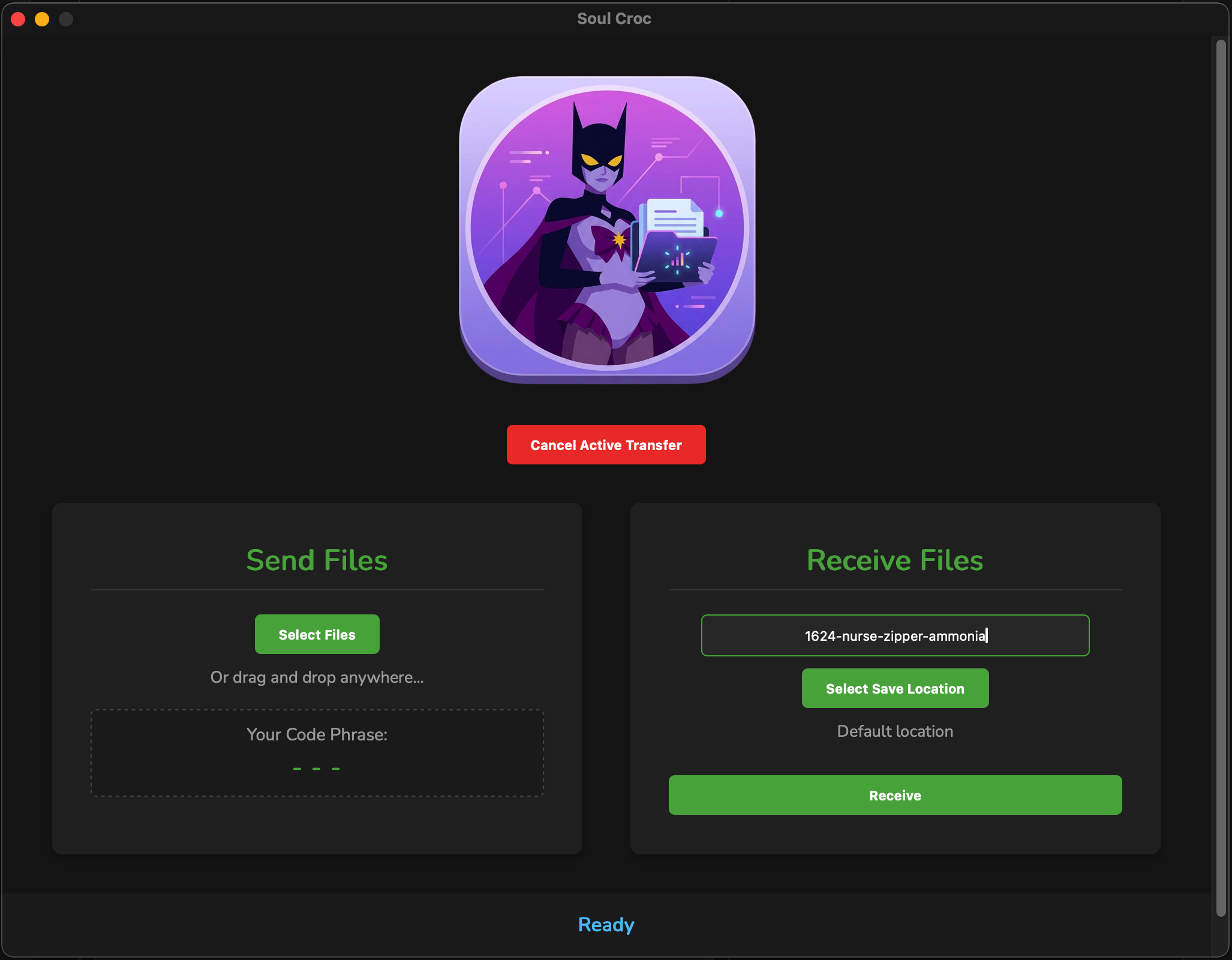
- Receiver: Go to the Receive Files tab and enter the code phrase.
- Receiver: Choose a Save Location (be sure to select your preferred folder rather than relying on default system paths).
- Receiver: Click Receive. You can monitor progress and speed live on the progress bar.
💻 Installation & Compatibility
Tested Platforms: macOS (Apple Silicon) & Windows 10
- Download the file after purchase.
- Unzip the archive.
- Review the included documentation for setup instructions.
- Run the installer and launch the app.
- Use it for the good of the world!
Purchase
In order to download this tool you must purchase it at or above the minimum price of $5 USD. You will get access to the following files:
Development log
- Pro and Lte versions available1 day ago
- Soul Croc now available1 day ago