3D Perspective Tool
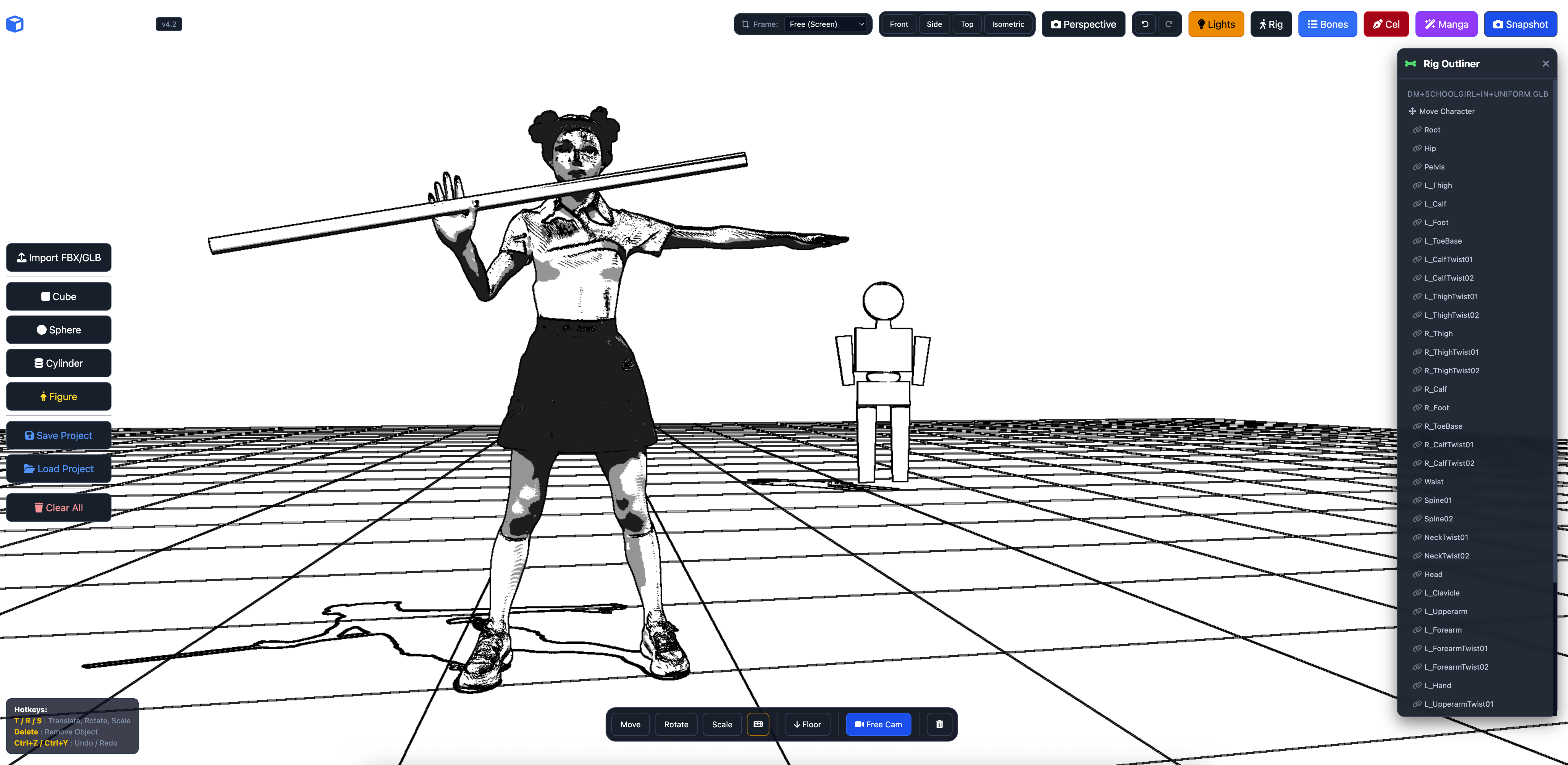
MODELS SOLD SEPARATELY
Notice: DEMO has some features disabled.
Mac, PC, Linux Stand-Alone Versions available now.
Tested on: Mac M4 Silicon, PC win10 low-specs, Linux (TBA)
Animated .glb available for free download to test.
Demo is slow here on itch, it's not the app.
PerspectivePal - Ultra
Your ultimate browser-based 3D reference and posing tool for comics, manga, and illustration.
About the Tool
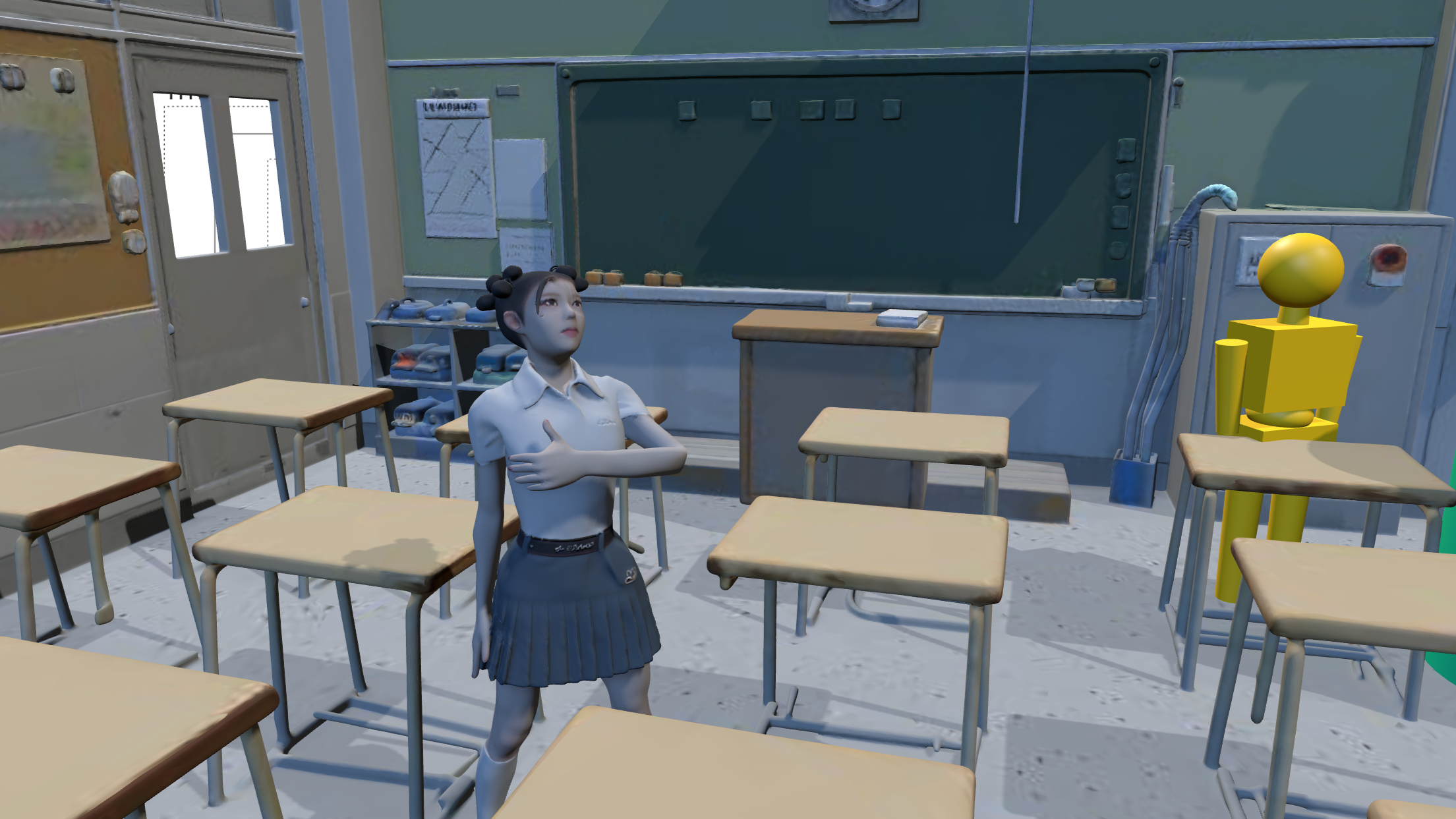
PerspectivePal - Ultra is a lightweight, highly versatile 3D scene composer designed specifically for 2D artists. Whether you are drafting dynamic manga panels, storyboarding a complex animation, or planning the joint articulation for your next action figure design, this app delivers exactly the visual reference you need—without the steep learning curve or bloat of traditional 3D software.
Brought to you by Studio Takuetsu LLC, PerspectivePal runs entirely in your web browser. Launch the app, import your models or use the built-in primitives, dial in your studio lighting, and export crisp reference images straight to your digital canvas.
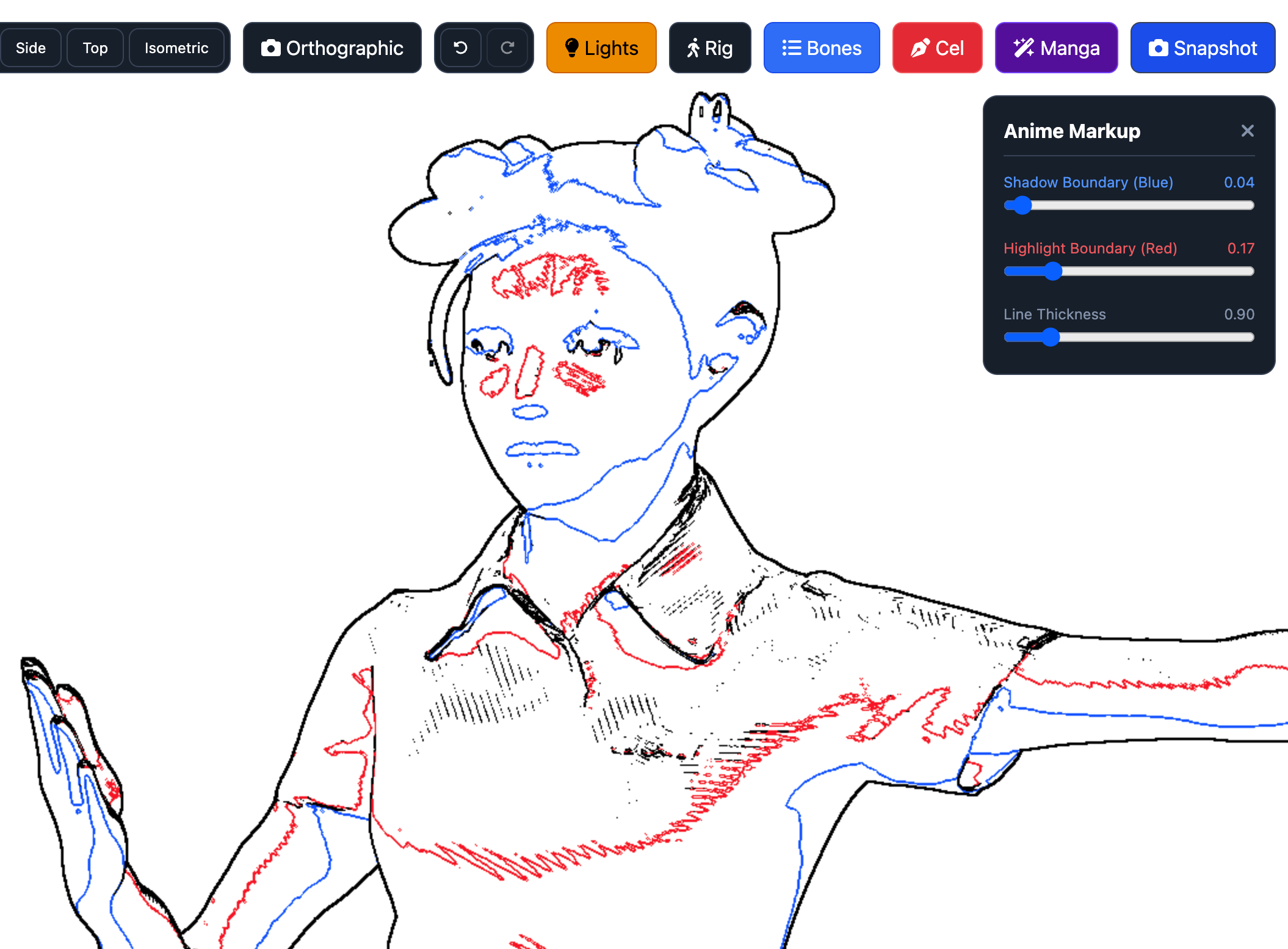
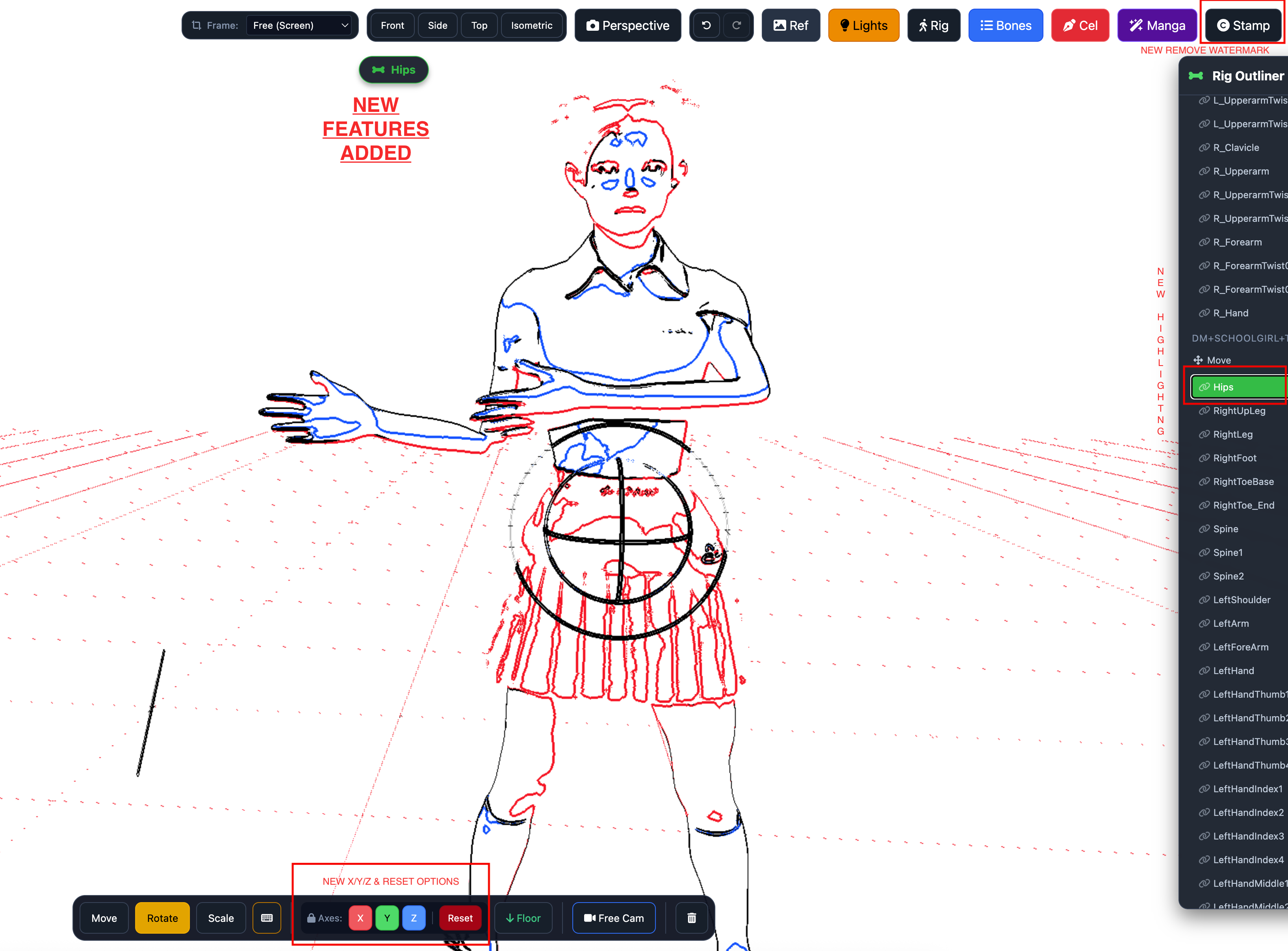
What's New in the Ultra Update (6/21/26)
- X/Y/Z Axis Lock: Gain absolute precision over your movements.
- 2D Canvas Backdrop: Import 2D images directly behind your 3D scenes for accurate tracing and scaling.
- Bone Highlights & Reset: Easily identify active joints and instantly reset poses to their default state.
- Watermark Removal: Export completely clean images for professional use.
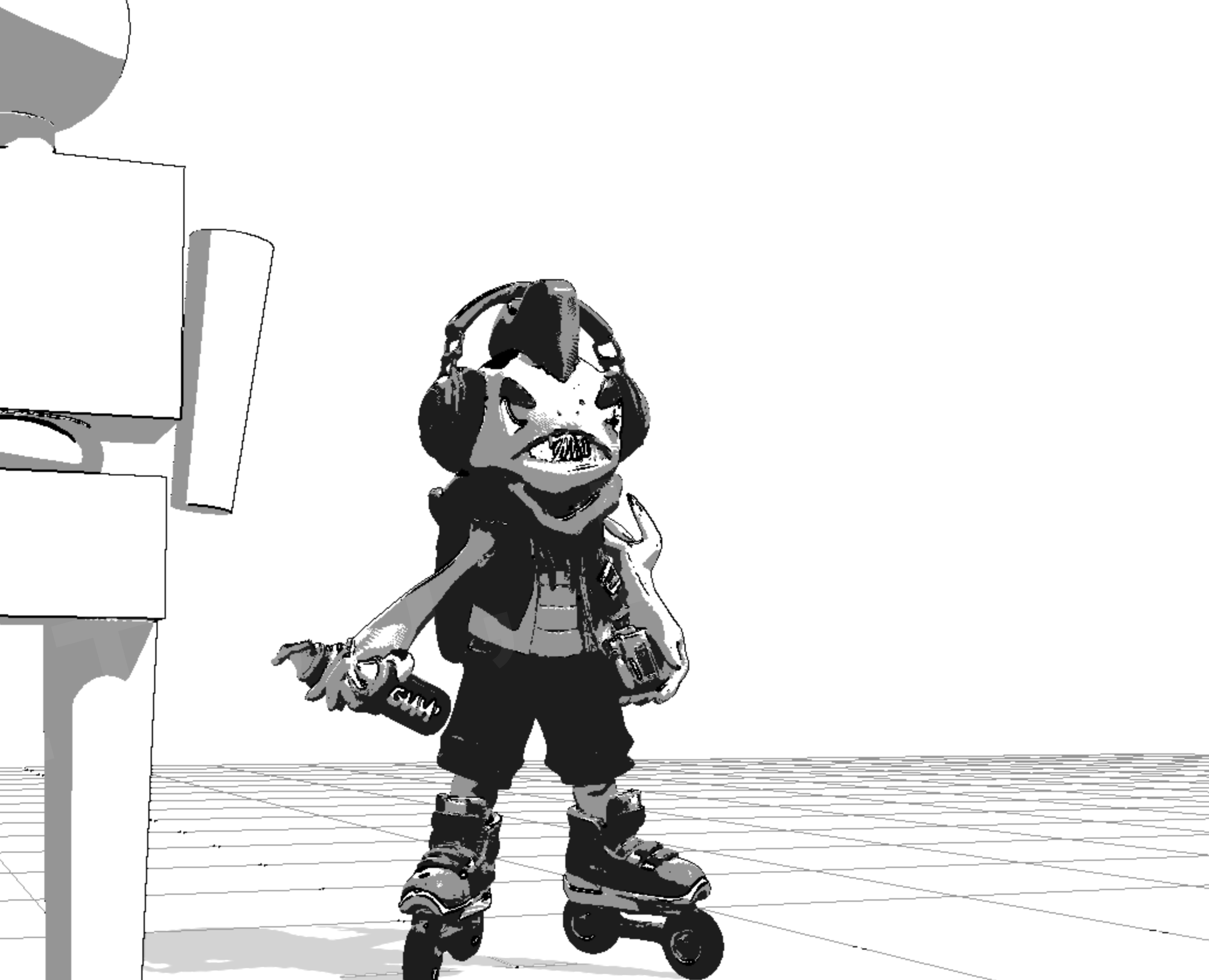
- TOON Look: Experimental Toon Shading filter.
- Export 2D REF Background: Paper Stack button exports in snapshot when green; toggling grey/transparent omits it from export.
Key Features
- Custom 3D Import: Easily load your own
.glb,.gltf,.fbx, or.objfiles directly into your workspace. - Advanced Pose Control: Full support for rigged character models featuring an intuitive bone outliner to dial in the exact pose you need.
- Smart Prop Attachment: Seamlessly link weapons, accessories, or primitive shapes to character bones so they move naturally with your figure.
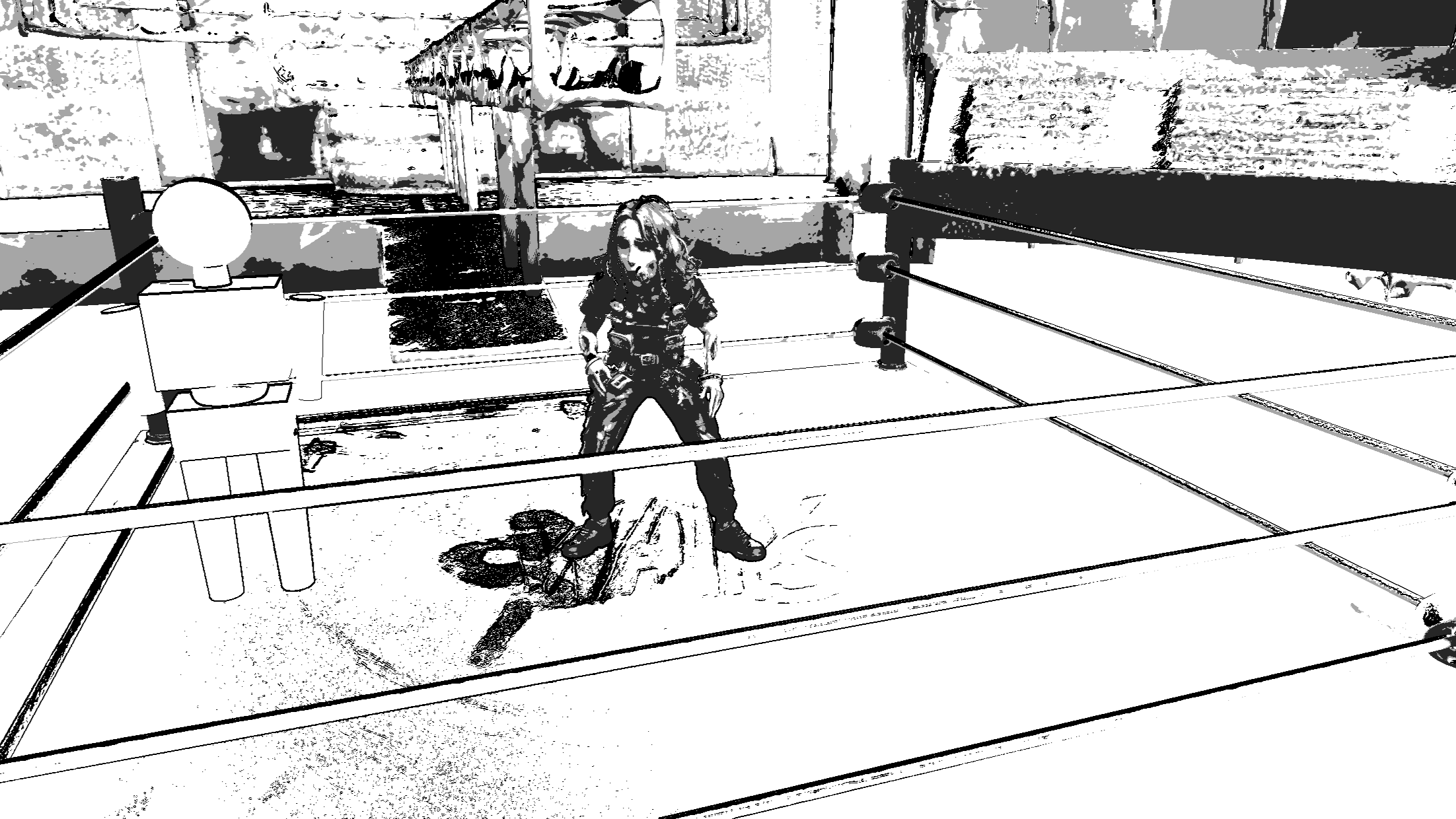
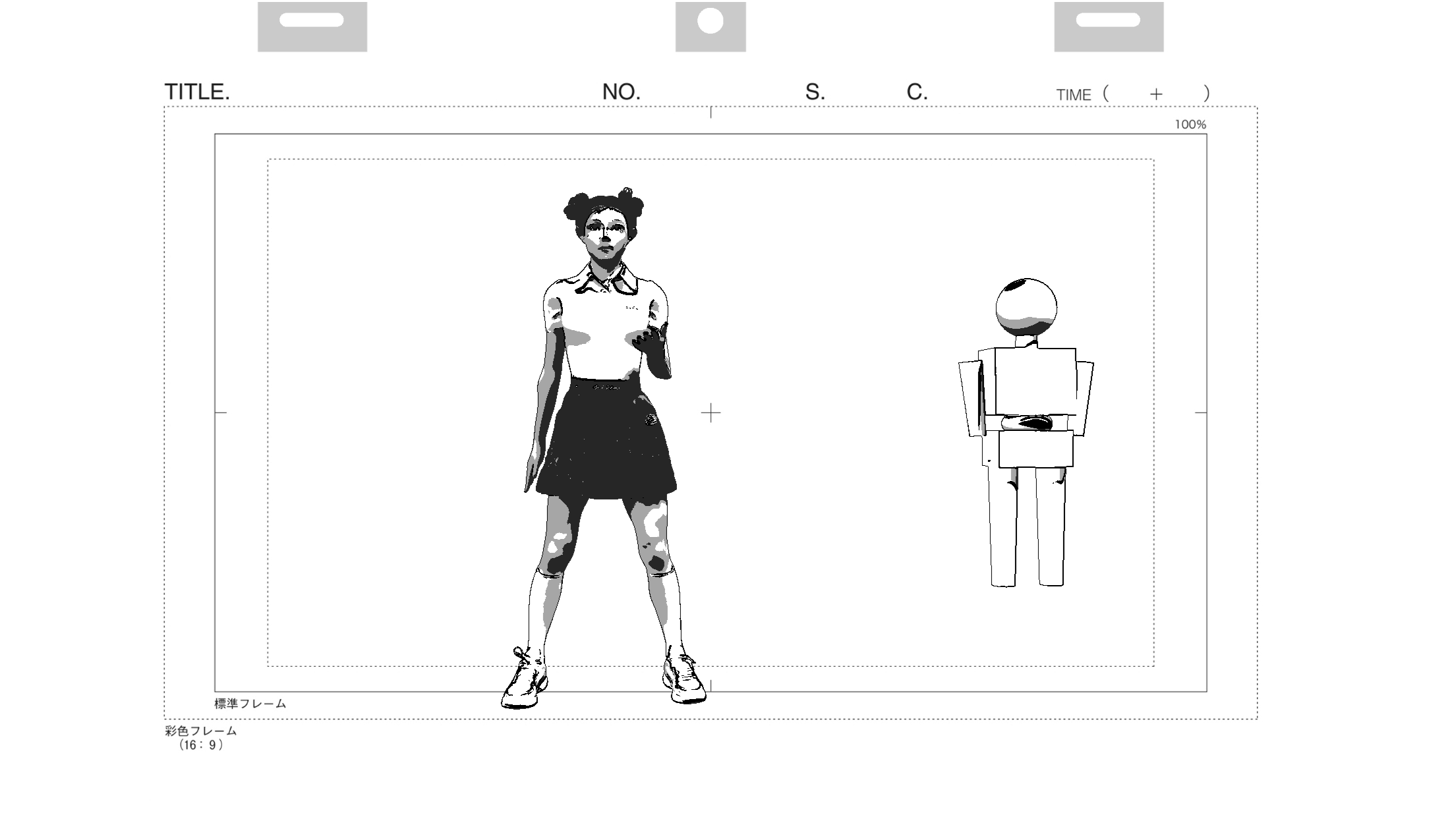
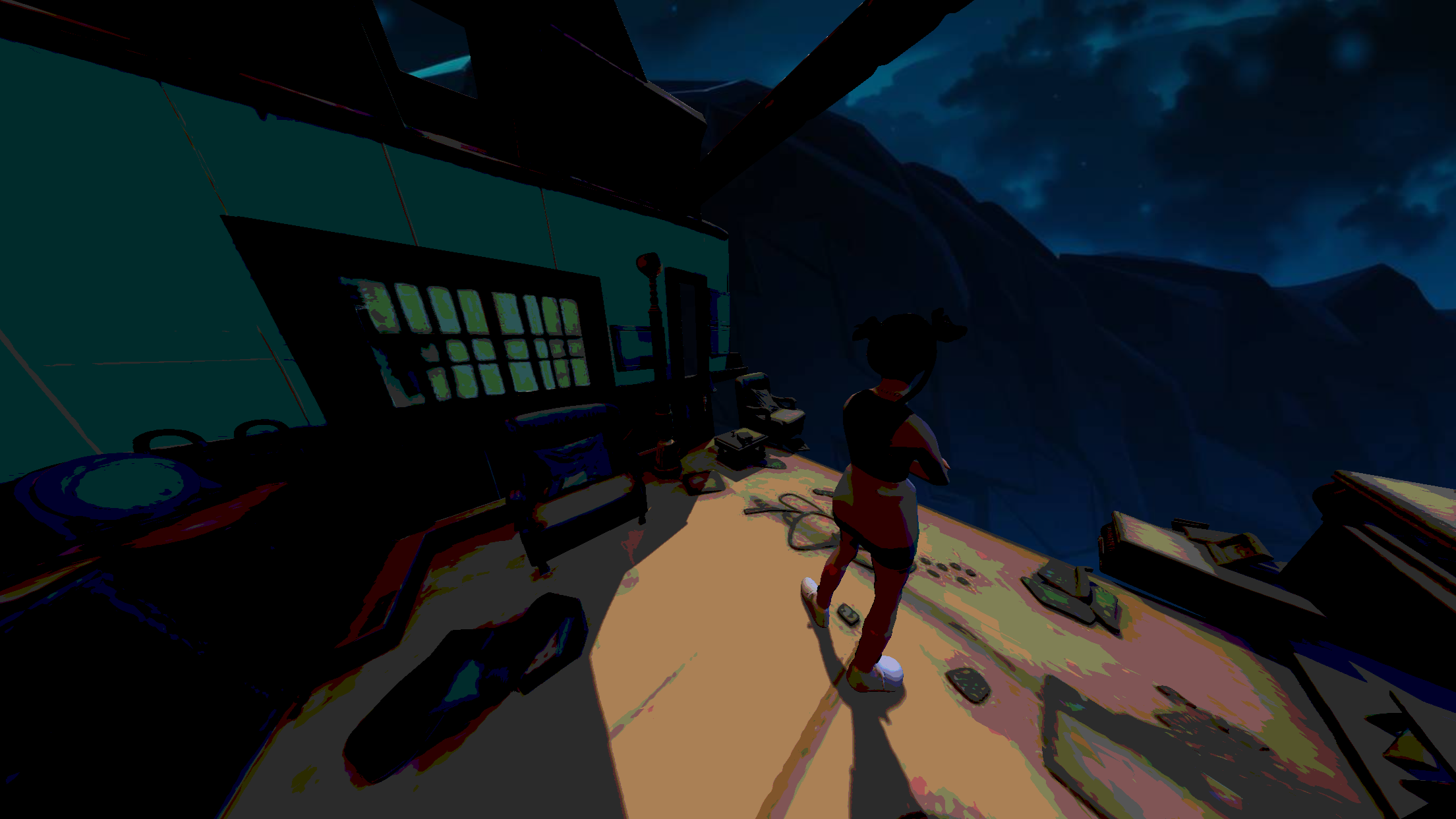
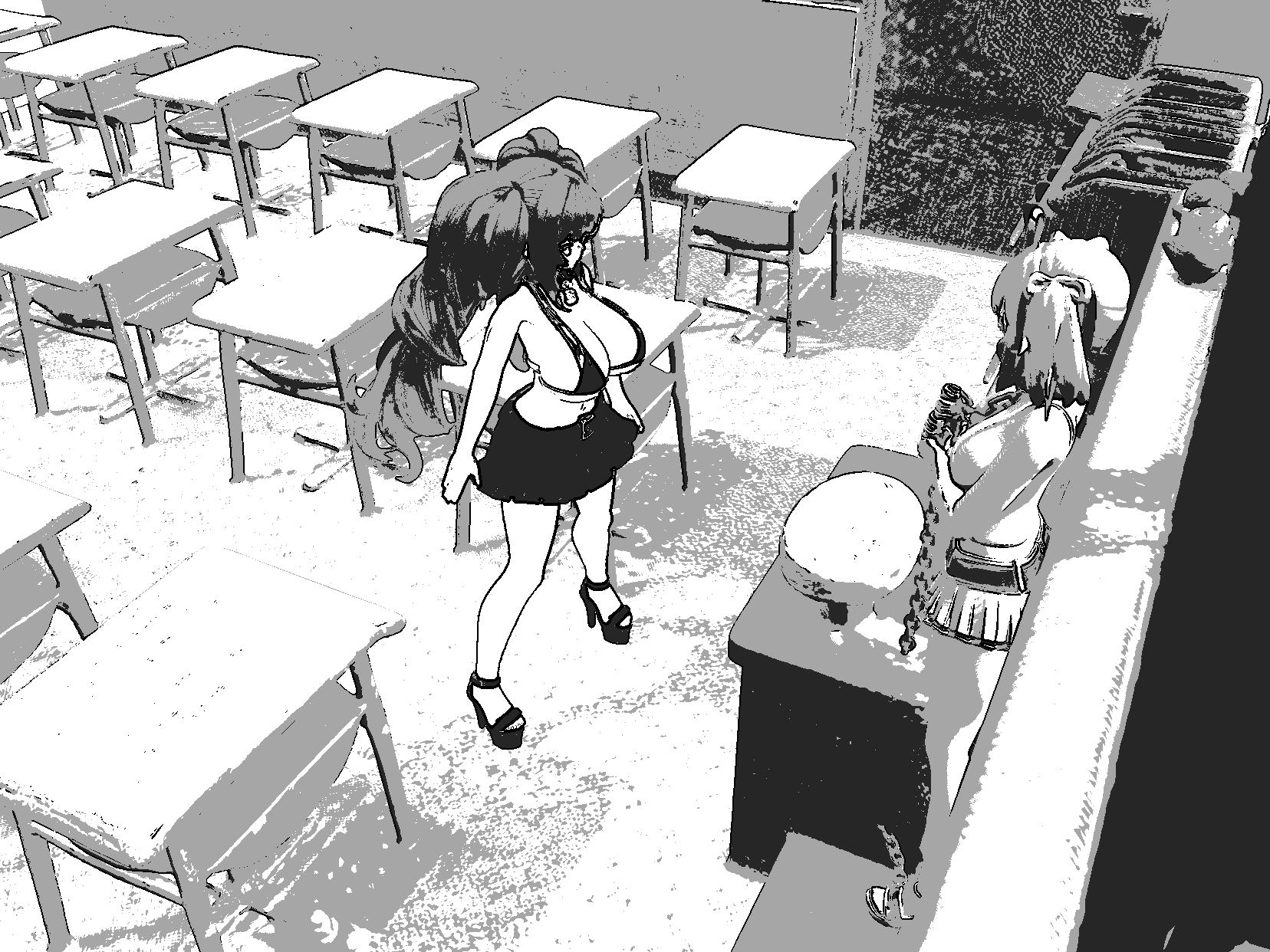
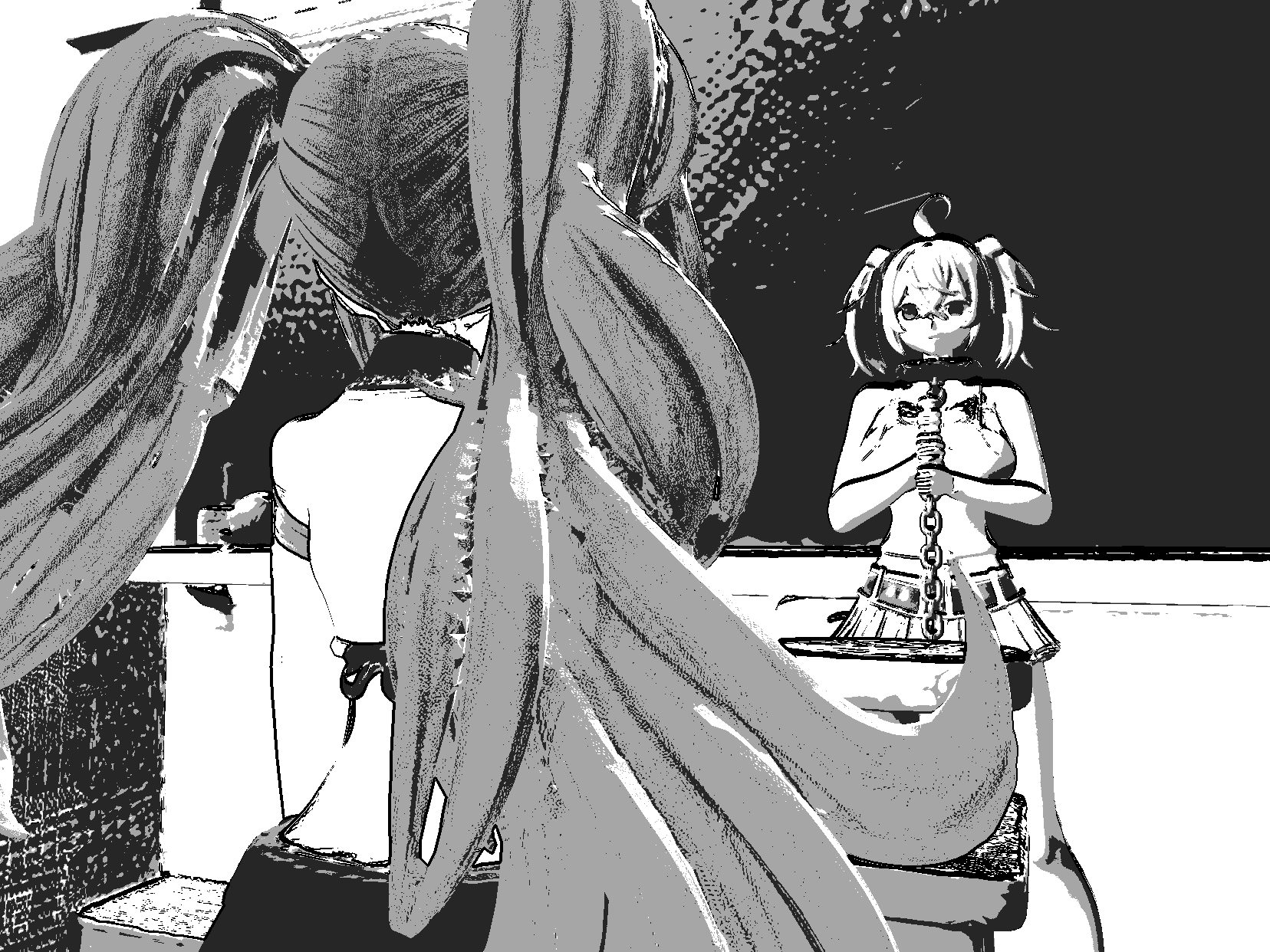
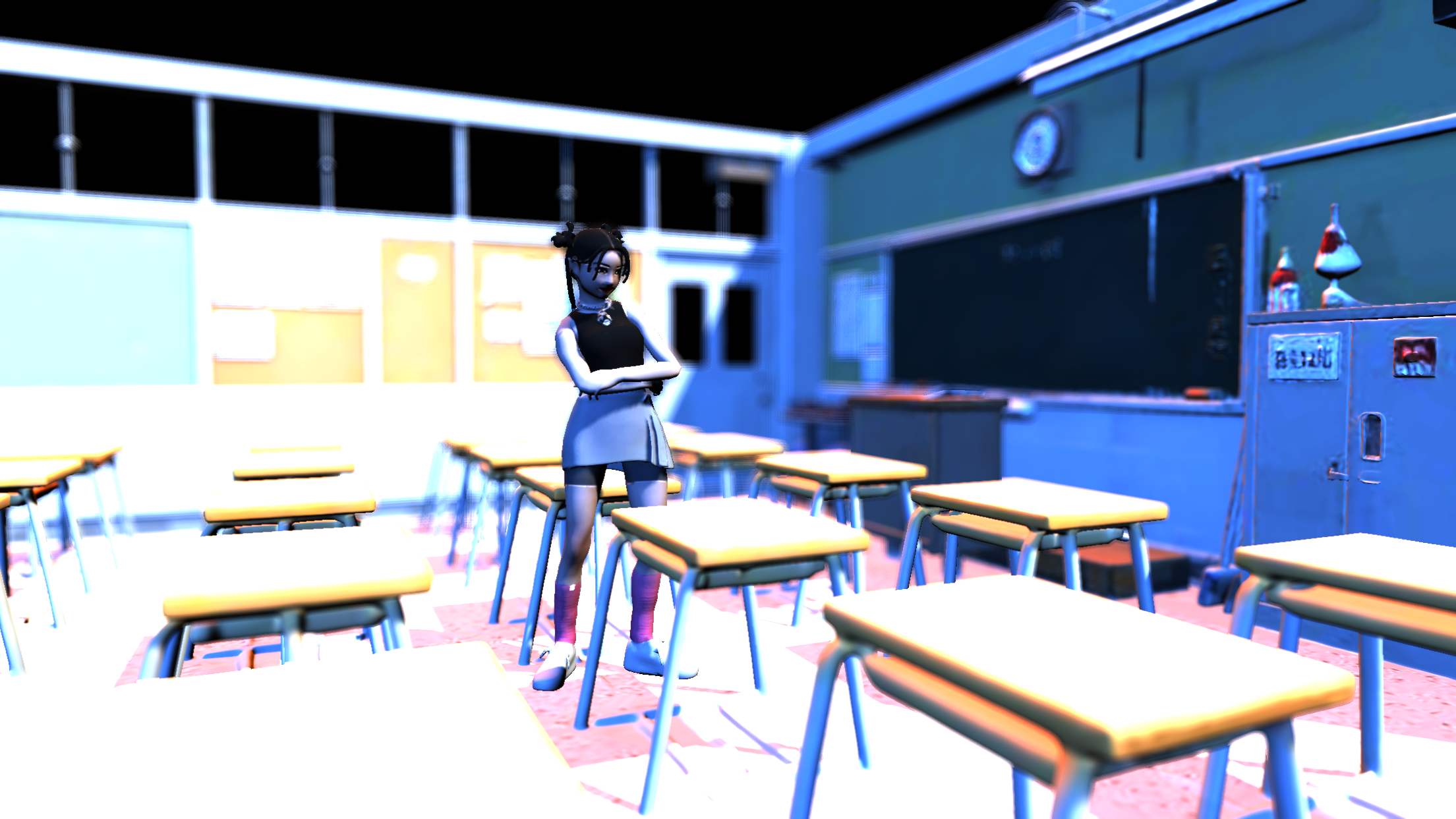
- Manga & Cel Shaders: Instantly translate 3D scenes into 2D references. Use the adjustable Manga filter for authentic screen tones, or the Cel filter for standardized Japanese animation markup (precise blue and red shadow/highlight boundaries).
- Custom Studio Lighting: Set the perfect mood and define your forms with fully adjustable 3-point lighting (Key, Fill, and Rim lights).
- Cinematic Camera Framing: Switch seamlessly between Perspective and Orthographic cameras, or lock your workspace to standard aspect ratios (1:1, 4:3, 16:9).
- Project Saving: Export your entire scene setup as a lightweight
.jsonfile to quickly resume your workflow later. - Transparent PNG Export: Take clean, high-resolution snapshots with transparent backgrounds, ready to drop immediately into your preferred drawing software.
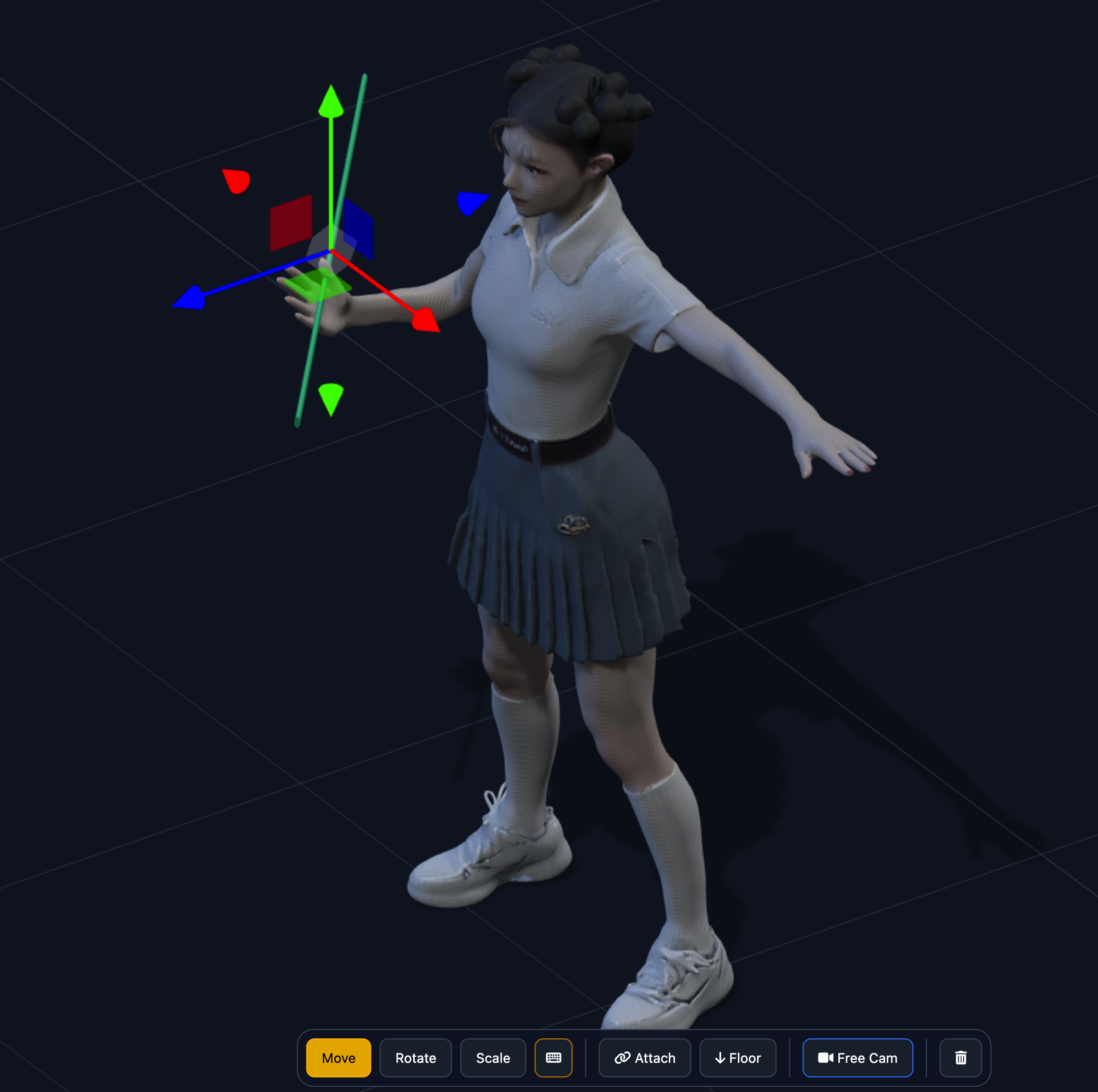
Quick Workflow: Attaching Props
Equipping your characters is incredibly simple:
- Position your prop near the character.
- Click the "Attach" button.
- Select the target bone from the Bones List. Your prop is now linked!
- To remove: Select the bone and click "Detach".
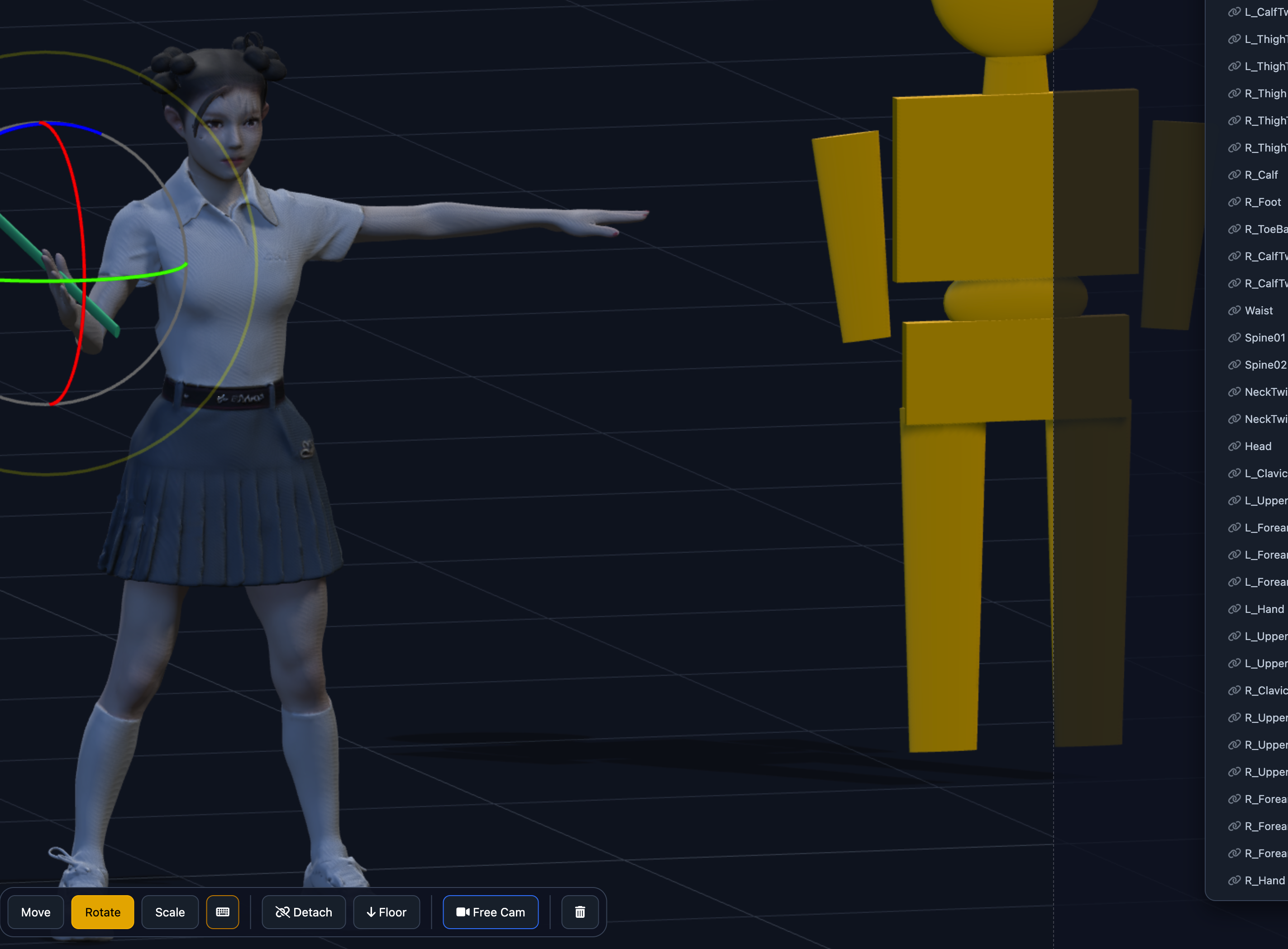
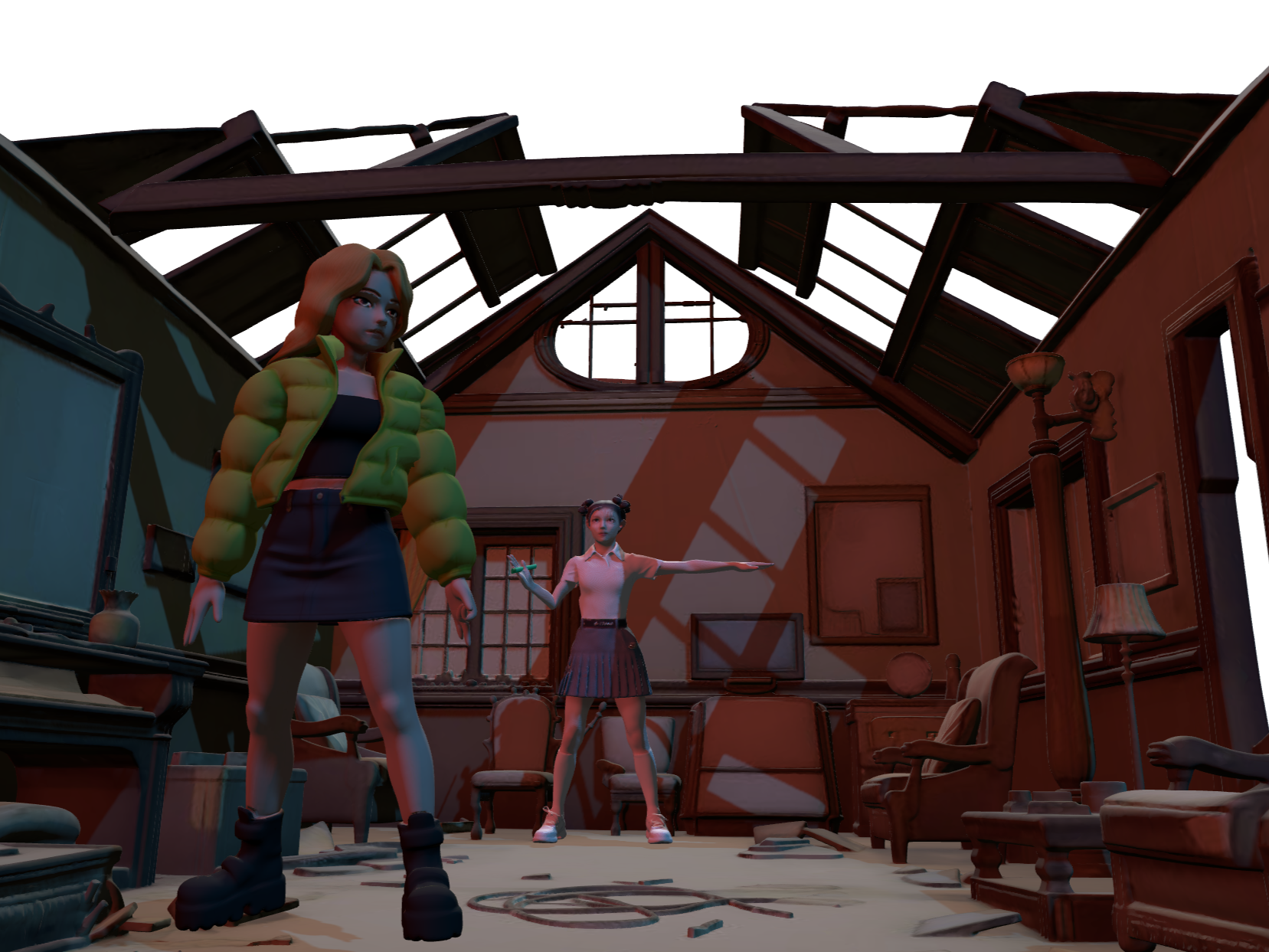
* Library (Pose Library / Camera Shot) is available in the $12.00 Version / Newest Release.
Free Model Available in Downloads
3D Animator Add-on (PerPal Bundle)
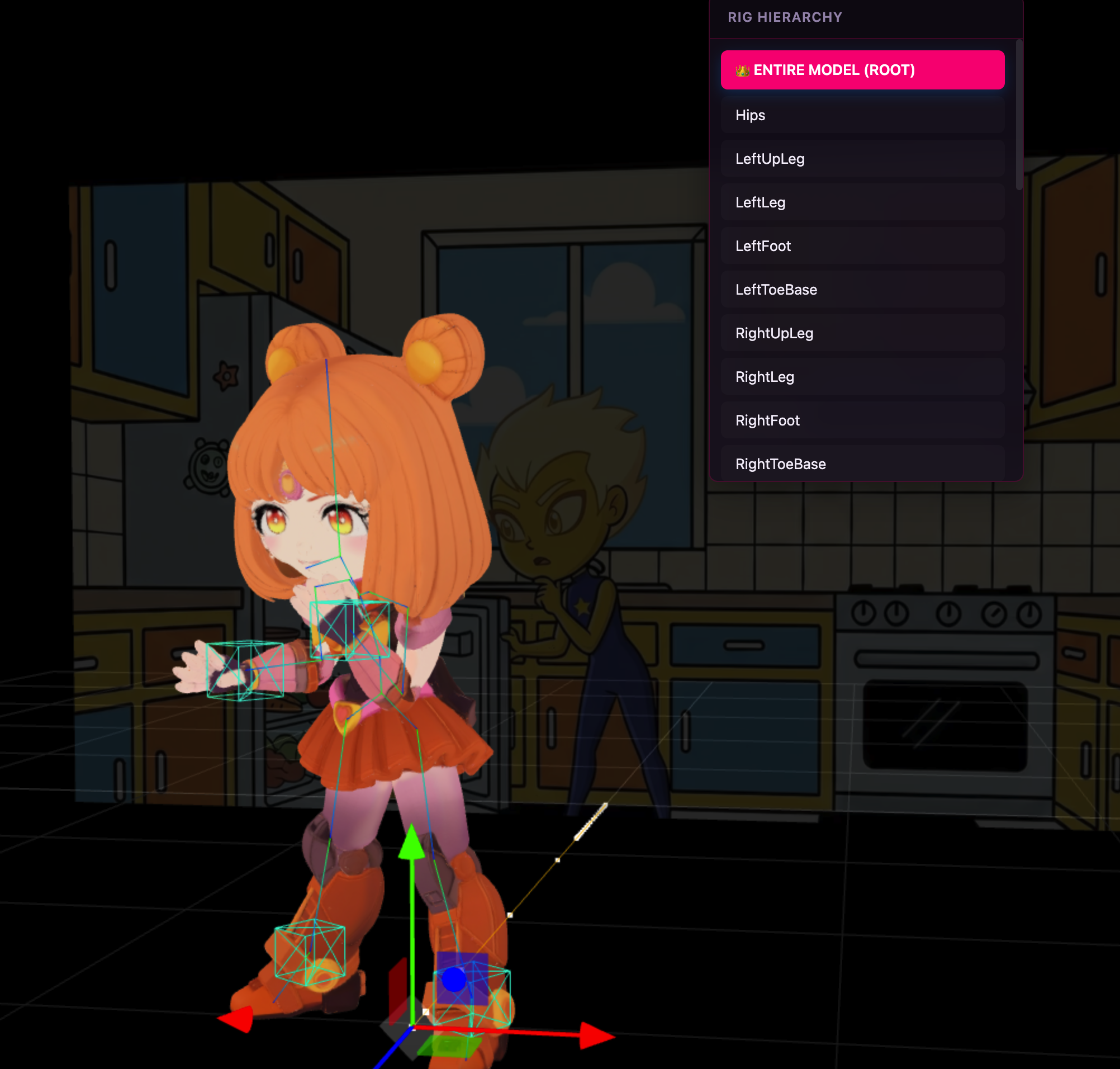
Web Browser-based 3D Animator app available exclusively in the PerPal Bundle. Features FK/IK controls, video playback for manual rotoscoping, audio support, keyframing, easing controls, motion arcs, .glb animation export for use with PerspectivePal, and more.
Note: Animations may not work properly in all external 3D apps (models may export wrapped in a parent container, e.g. in Blender).
Compatibility: Not all rigged models are supported. Successfully tested with Mixamo, Tripo, and Meshy rigs.
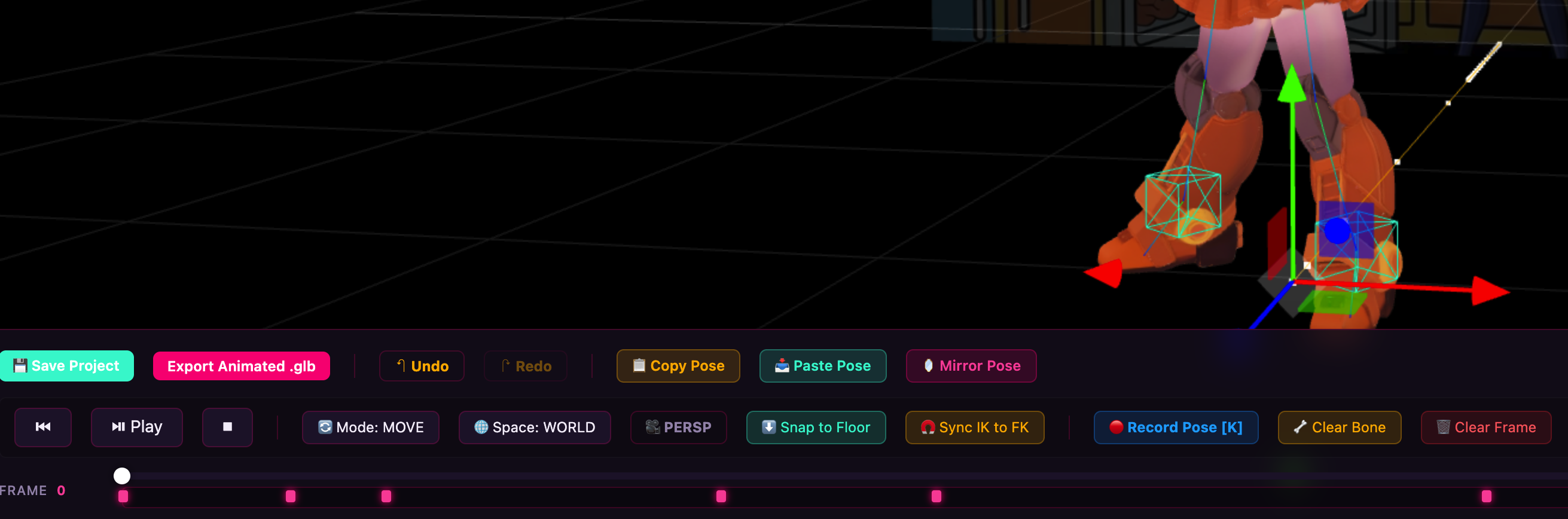
Tools and Timeline interface
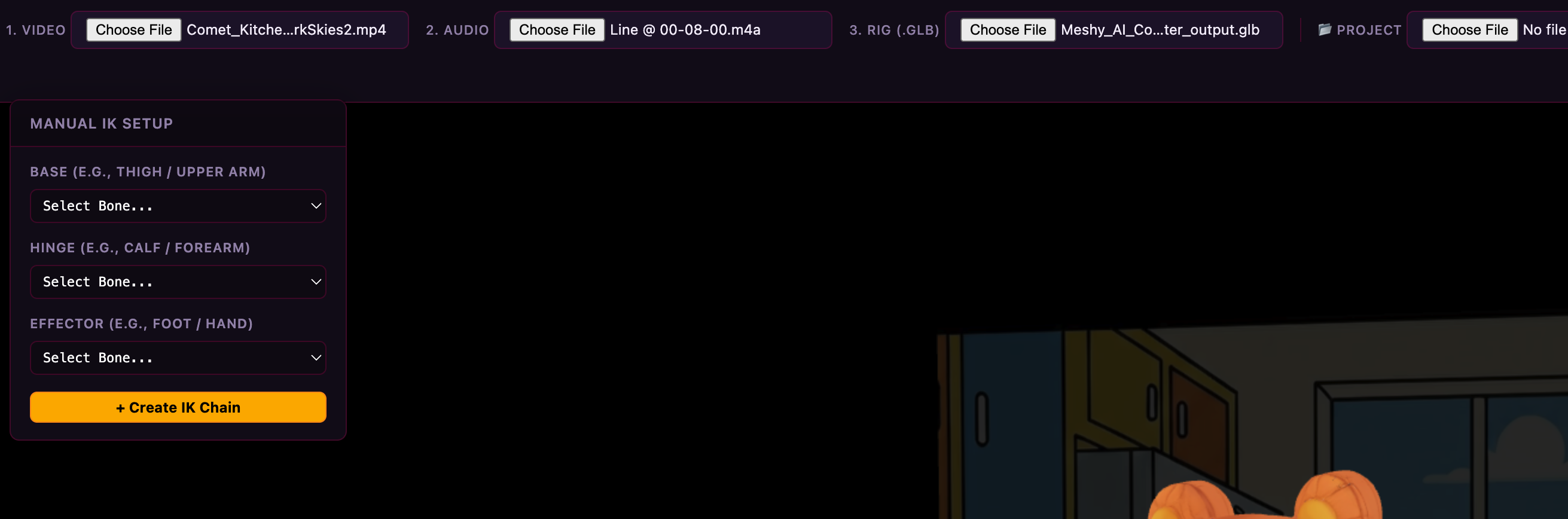
Import features (audio, video, rigged models, project saves)
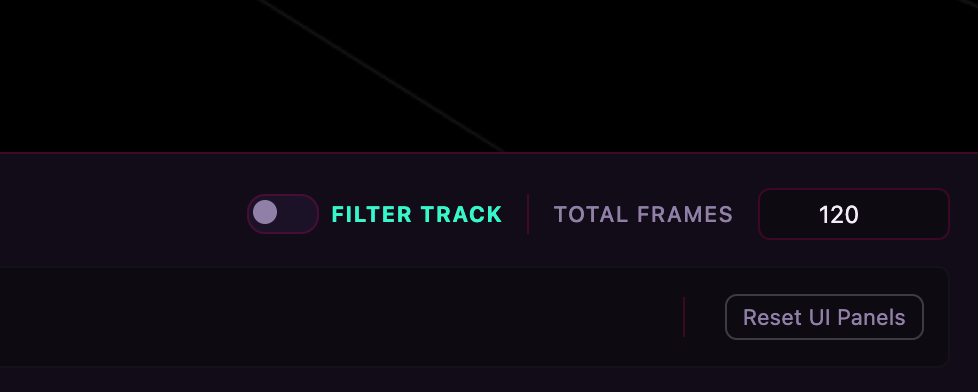
Filter and FPS controls for animation
Download
Click download now to get access to the following files:
Development log
- PerPal Bundle (Perspective Pal+3D Animator) available today25 days ago
- Retail Computer Version(s) and Free Model Available Now!41 days ago
- New Demo Available41 days ago
- Latest Release47 days ago
- Retail Version W/Animation/Animator58 days ago
- Now Use For Free In Browser62 days ago

Leave a comment
Log in with itch.io to leave a comment.